Extend creatives across channels
Bring existing email creatives to SMS, MMS, and Push without starting from scratch.
AI Personalization
Share


X


Copy URL
Copy Page

Open in ChatGPT

Open in Claude

IN A NUTSHELL
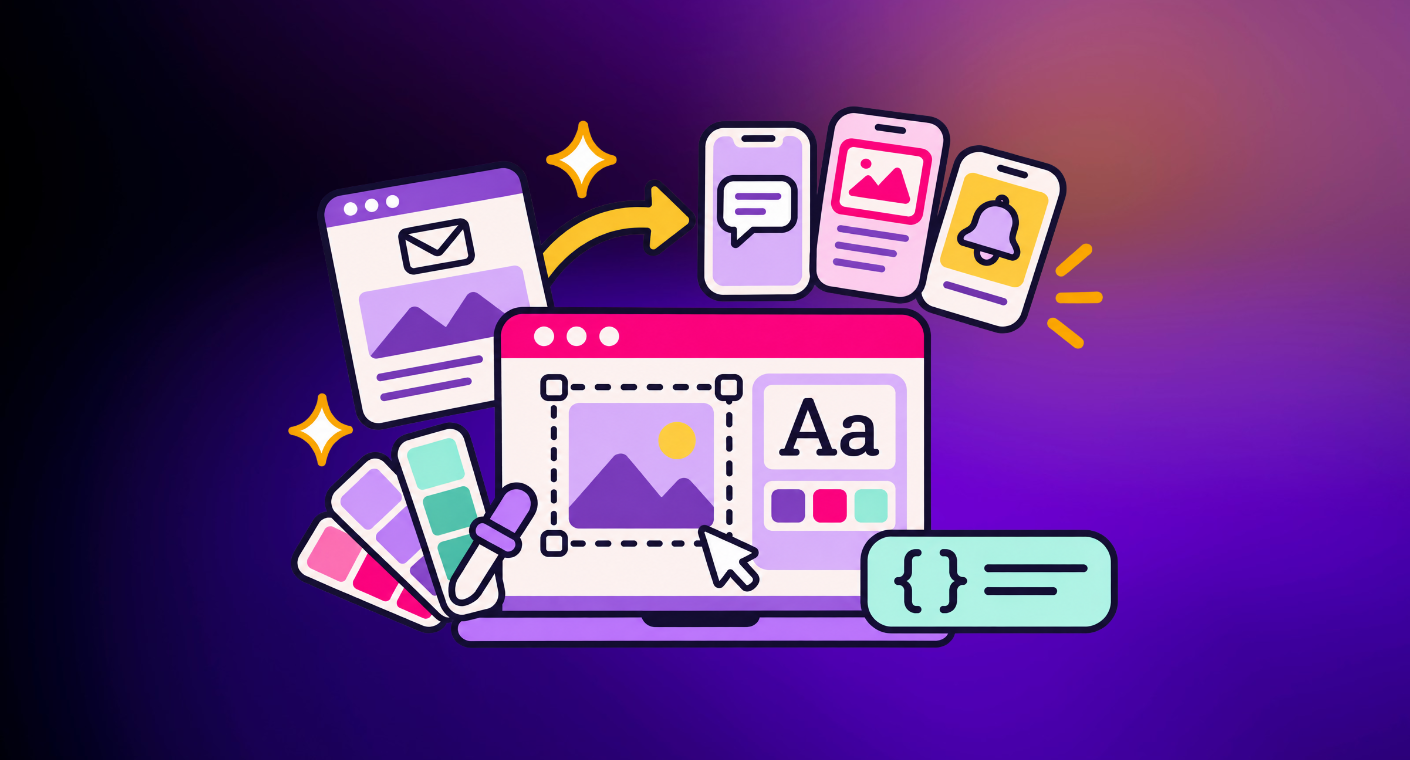
• Channel Converter Assistant (EA) generates SMS, MMS, and Push versions of your existing email creatives, so you don’t have to rebuild each one from scratch.
• Brand Kit Assistant (now GA) identifies colors, fonts, logos, and other brand elements from your website, existing creatives, or brand guidelines, saving you the trouble of configuring them manually.
• Support for ESP variables lets you configure dynamic fields once and reuse them across creatives in your library.
• Together, these updates take repetitive prep work off your plate, leaving more time for the creative and strategic decisions that matter.
In our recent predictions for 2027, we explored how Programmatic CRM is changing the marketer's role. As AI takes on more of the decisioning behind which experiences customers receive, marketers can spend more time shaping the goals, creative direction, and strategy behind those experiences.
Of course, that only works if some of the day-to-day prep work comes off your plate, too.
Right now, there's still a lot of manual work involved. You've built a great email creative, but extending it to mobile means adapting the copy and imagery for each format. Your brand colors, fonts, and logos already exist across your website and brand guidelines, yet you still have to configure them in your Brand Kit. And bringing dynamic customer data from your ESP into personalized creatives can mean entering the same expressions over and over.
It's a lot of time spent setting things up when you'd rather be creating.
This quarter, we're making that process a whole lot easier with three updates to Da Vinci.
You've spent time perfecting an email creative. Now you want to bring that same experience to your mobile channels. Sounds simple enough, until you're faced with rebuilding it for SMS, MMS, and Push.
Historically, each channel has required its own creative setup, with no easy way to reuse what you've already built. And copying an email creative directly into a mobile format isn't an option when each channel has different specifications for copy, imagery, and layout.
That leaves marketers with two choices: spend the time rebuilding creatives for each channel or limit how far their email programs extend into mobile.
The Channel Converter Assistant makes that process much easier. It generates SMS, MMS, and Push versions directly from an existing email creative, automatically adapting the copy and imagery to fit each format. Built-in validation tools help check copy length, rendering behavior, and layout constraints, so you can make sure each experience looks and works as intended before sending.
And there's another benefit beyond creative reuse.
Movable Ink treats each creative as a single unit of content with channel-specific variants. That means our models can learn from customer engagement across channels, using insights from one to inform the content and experiences delivered through others.
Your team has already put plenty of thought into your brand's colors, fonts, logos, and visual identity. Bringing those elements into your email and mobile experiences shouldn't mean spending hours configuring everything all over again.
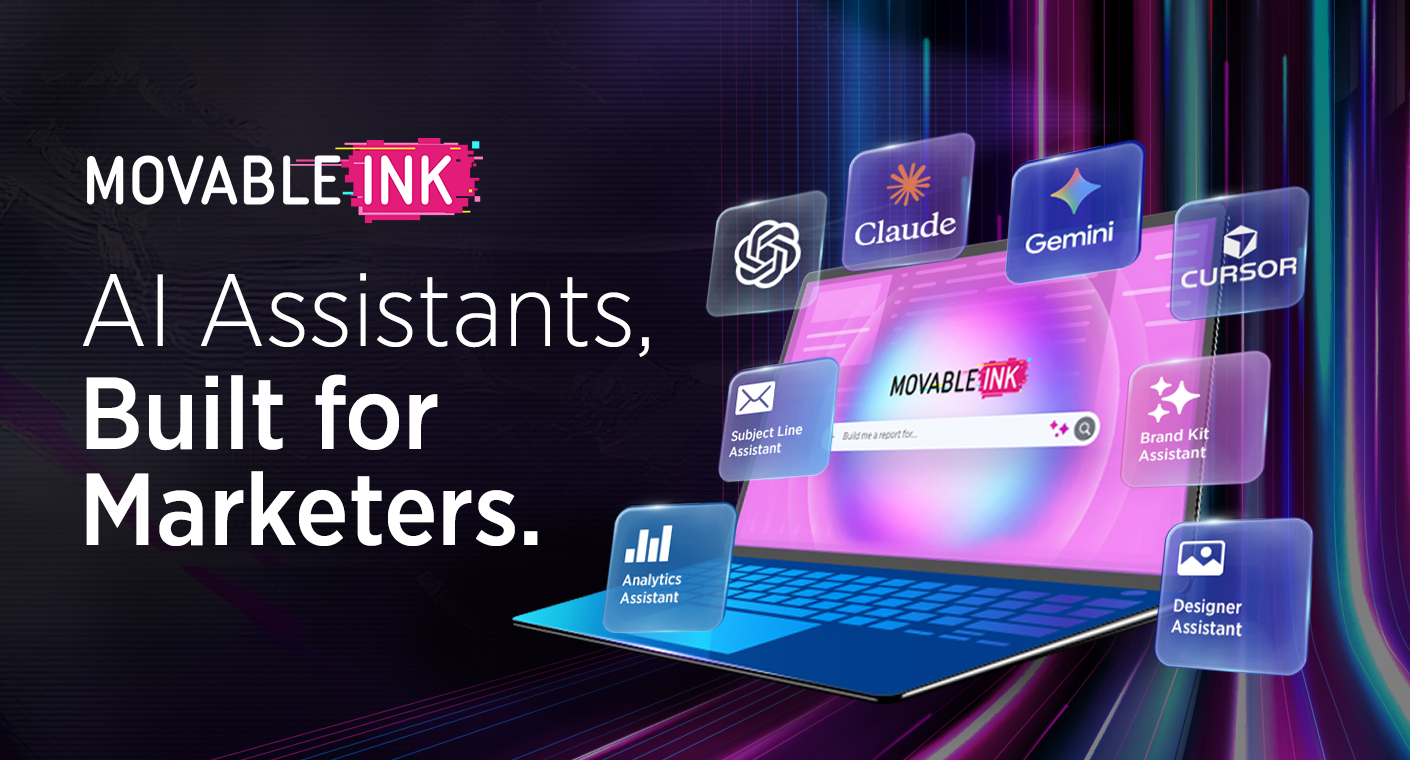
The Brand Kit Assistant, first introduced in our recent AI assistants announcement, is now Generally Available and makes that setup much simpler.
It analyzes your website, existing creatives, and brand guidelines to identify and configure key brand elements, including logos, colors, fonts, and button and link styles. Instead of manually entering each detail, you can get your Brand Kit set up with much less effort.
And while the assistant handles the setup, your team stays in control of how your brand looks and feels. You get a consistent foundation to work from, with more time to focus on the creative itself.
Sometimes, the smallest details make an experience feel the most personal. A customer's first name, their membership tier, or their current loyalty points balance can make a message much more relevant.
But getting those details into your creatives hasn't always been straightforward. When the same dynamic data needs to appear across multiple experiences, manually entering and configuring the underlying expressions can quickly become repetitive.
With support for ESP variables, you can now bring dynamic fields from your ESP directly into Da Vinci, configure them once, and reuse them across your creatives.
Take a loyalty campaign, for example. Say you want to display each customer's current points balance in a personalized image. Instead of manually entering the expression every time, you can simply select your preconfigured "Points Balance" variable and insert it wherever it's needed.
You can also preview how personalized elements will appear in your design, with visual indicators showing which components contain variables. When the message is sent, the ESP supplies each recipient's current data to populate those fields dynamically.
Less time entering expressions, more opportunities to make each experience relevant to the person receiving it.
There's a lot that goes into creating a great customer experience, and not all of it needs to be done manually.
With these latest updates, you can extend an email creative across mobile channels, bring your brand identity into every design with less setup, and make customer data easier to use across personalized experiences.
It's less time spent rebuilding, reconfiguring, and repeating the same tasks, and more time to focus on the ideas, creative decisions, and strategies that make your brand stand out.
See how it works. [Get a demo] or [explore the Da Vinci support docs] to get started.
Share
X
Copy URL
Copy Page
Open in ChatGPT
Open in Claude